Quick Search
Quick Search (Figure 1) allows searching for a declaration by the
Local Reference Number (LRN) or
Movement Reference Number (MRN).
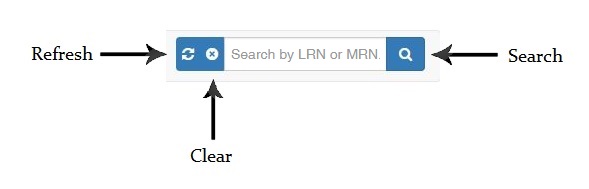 Figure 1: Quick Search
Enter the L
RN or M
RN and click on the
Search button (Figure 2). The system will then load the requested declaration.
Note: You can also search the declaration by entering the
last 5 digits of the
LRN.
Figure 2: Search Result
To clear the search results, click on the
Clear button. Once the search criteria is cleared, all declarations under the user's
EORI will be displayed.